Professional car photos. No studio required. 📸
AI Car
Photography
iOS App
Own product. Built in-house by Kulimo – configured individually for your business.
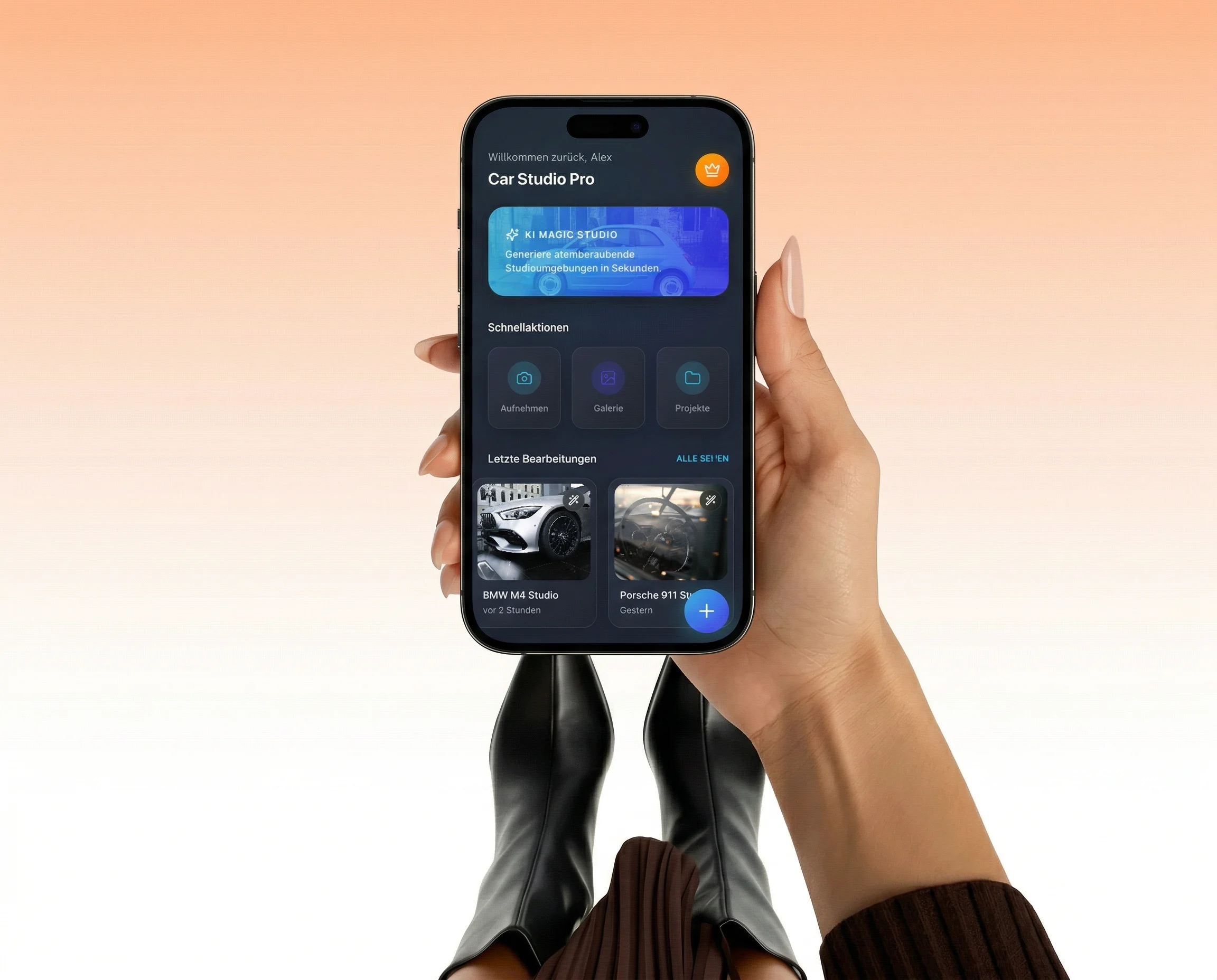
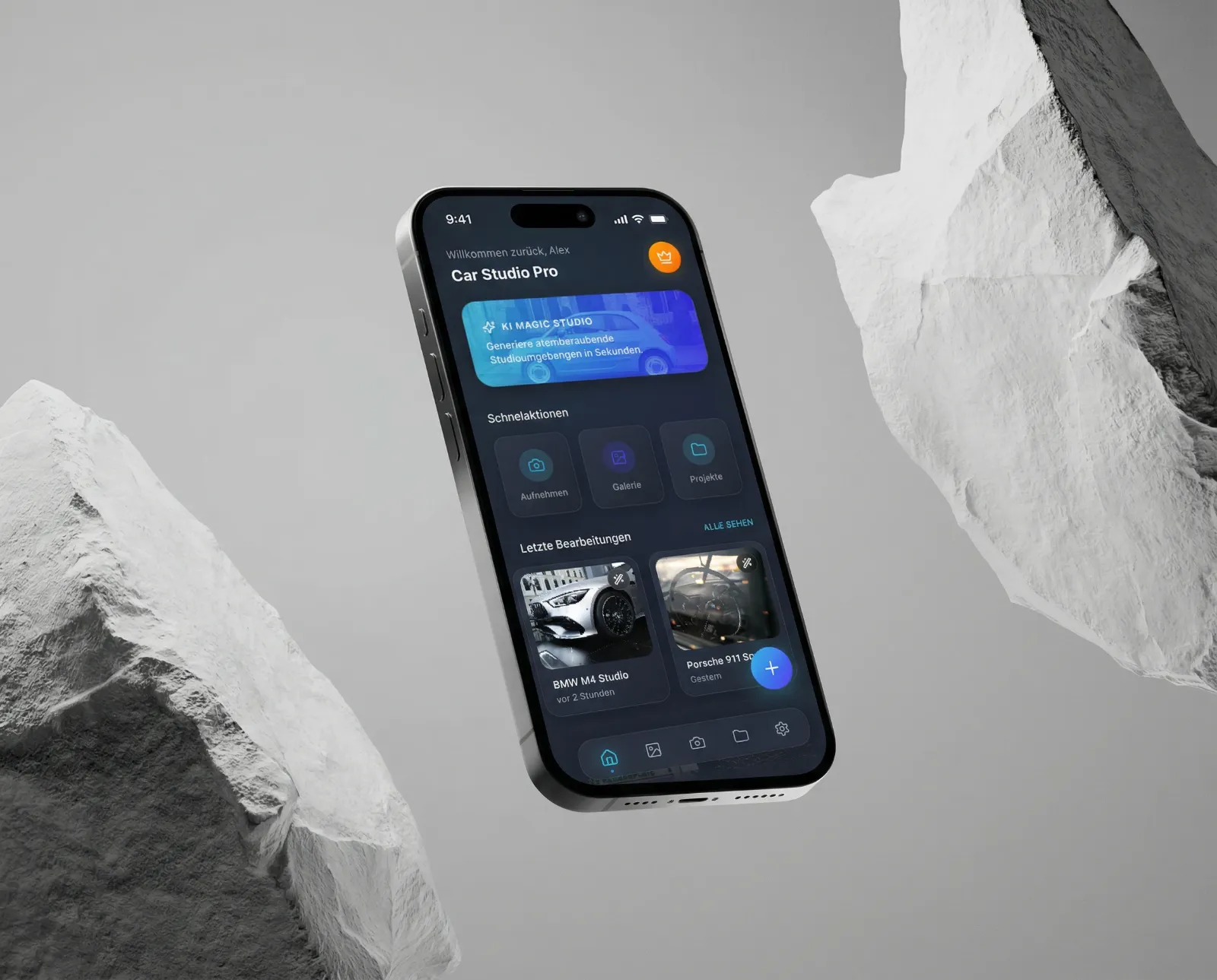
With the AI Car Photography iOS App you create perfect listing photos in under 3 minutes, right on your iPhone. Background removed automatically and optimized for every format.
👉 Get in touch →
All features of the
AI Car Photography iOS App
According to mobile.de listings with professional vehicle photos get up to 3x more inquiries. No photo studio, no outside photographer, no waiting — just your iPhone and the app.
The AI Car Photography iOS App dramatically streamlines your workflow:
Car dealerships & used car dealers with vehicles moving every day.
Professional automotive photographers who want to save time.
Fleet managers who document vehicles regularly.
Private sellers & vehicle buyers who want polished listing photos instantly.
Core features
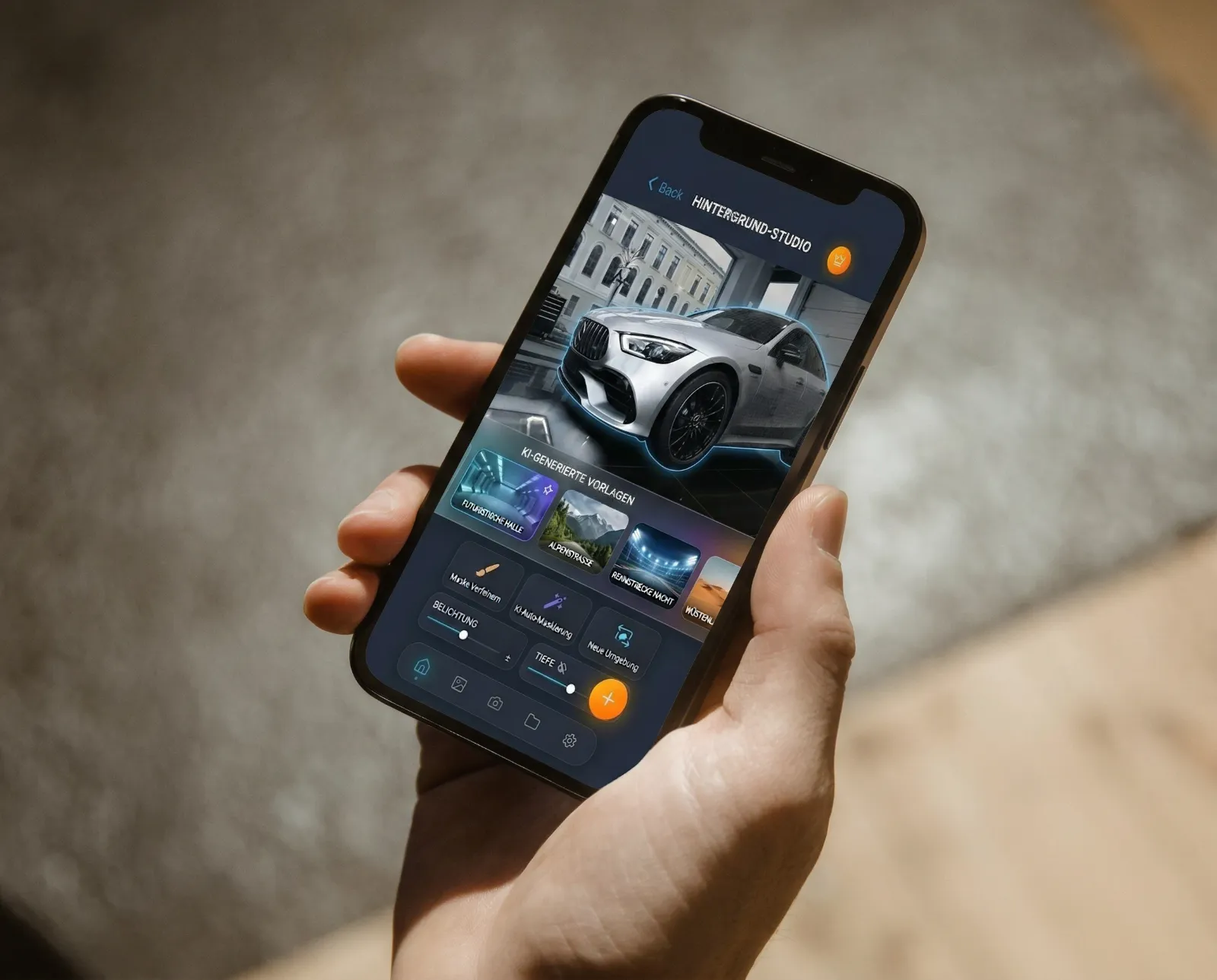
Background optimization
Any setting is automatically turned into a professional AI-generated background.
AI background removal
Precise vehicle cutouts without Photoshop or manual retouching.
Catalog editor
Build and export multi-vehicle catalogs right in the app.
Batch editing
Optimize multiple vehicle photos at once and save a huge amount of time.
Portal export
Format-optimized and ready right away for mobile.de, AutoScout24 & more.
Consistent branding
Every vehicle photo in your consistent brand look for listings and catalogs.
Offline mode
Fully usable without an internet connection — ideal for trade-in appraisals or out on the lot.
iOS app vs. traditional car photography
| Criterion | Traditional | AI Car Photography iOS App |
|---|---|---|
| Effort | Photo studio, outside photographer | Right on site with your iPhone |
| Editing time | Hours in Photoshop | Under 3 minutes, automatically |
| Cost | High (studio, photographer, software) | Built into the app, no extras needed |
| Image quality | Professional, but labor-intensive | Professional, instant & scalable |
| Portal consistency | Matched manually | Automatically format-optimized |
| Flexibility | Tied to one location | Anywhere — lot, trade-in, trade show |

Less effort. Better quality. More sales. 🏆
Write to us directly — we’ll show you exactly how the app fits into your daily vehicle sales process and how quickly you can go live with professional listing photos.
Not a generic tool. Built for the car trade.
ALSO EXPLORE:
-
Run your entire dealership:
Car Dealership CRM Web App → -
Digitize appraisals:
Vehicle Appraisal Web App → -
Find new customers automatically:
Automated Leads Radar → -
Keep your finances in check:
Financial Management App →
FAQ
AI car photography – FAQ
What does an AI car photography app do?
It turns shots taken on the lot into sales-ready vehicle photos: the AI cuts out the car, optimizes the background and delivers a clean result – without a photo studio or a photo editor.
How does AI background removal work for vehicle photos?
The vehicle is automatically separated from its surroundings and placed on a uniform background. That way, changing light conditions on the lot become a consistent photo series.
Can multiple car photos be edited at once?
Yes. Batch editing processes entire vehicle series in one pass instead of touching every image individually. The catalog editor keeps the photos organized by vehicle.
Can the photos be exported to vehicle listing portals?
Yes. Portal export outputs the finished photos in the required format, so they can go straight into your vehicle listings.
Does branding stay consistent across all vehicle photos?
Yes. Background and image style are defined once and applied to every vehicle, so your entire inventory shares the same look.
Does the iOS app work without internet?
Yes. Offline mode lets you shoot and edit right on the lot; results sync later.