
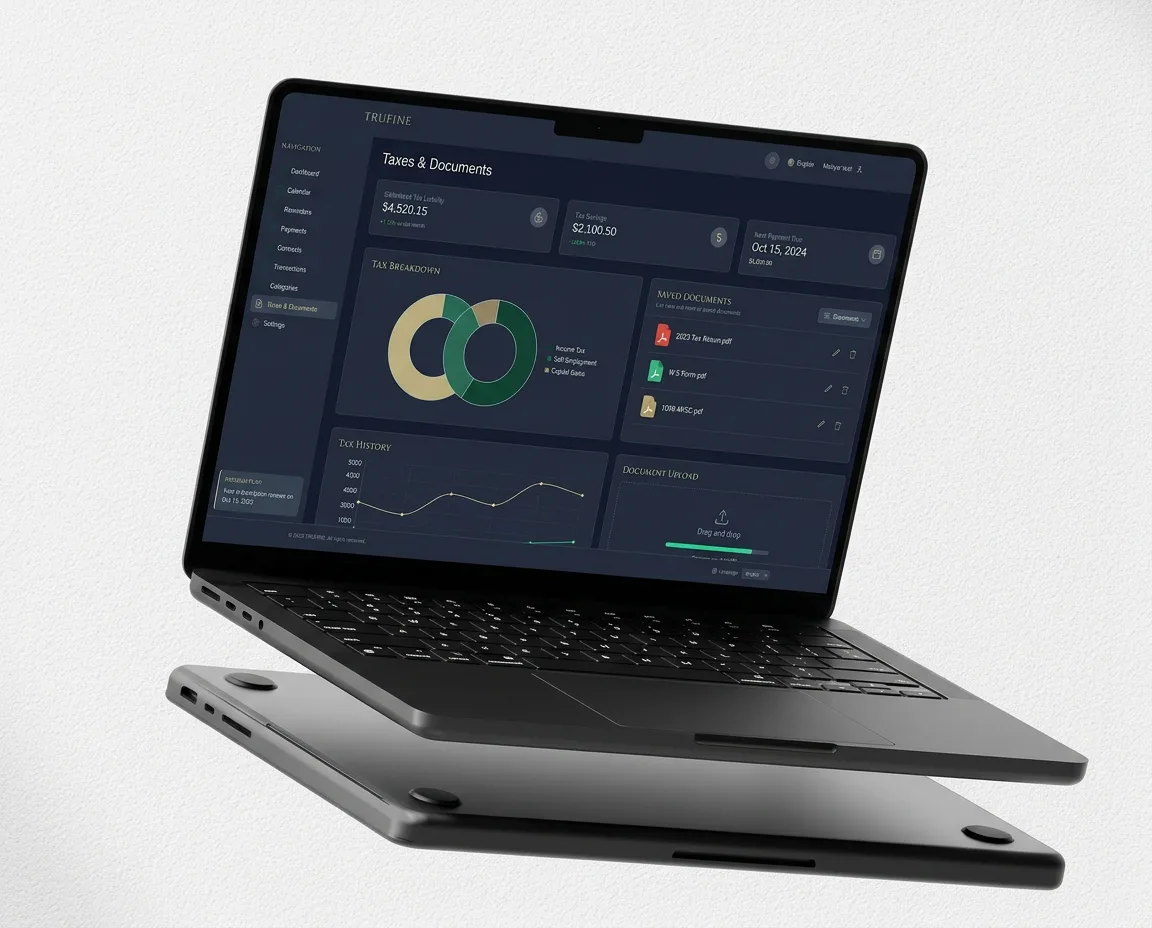
Full control over your finances. In real time. 💰
Financial
Management App
Own product. Built in-house by Kulimo – configured individually for your business.
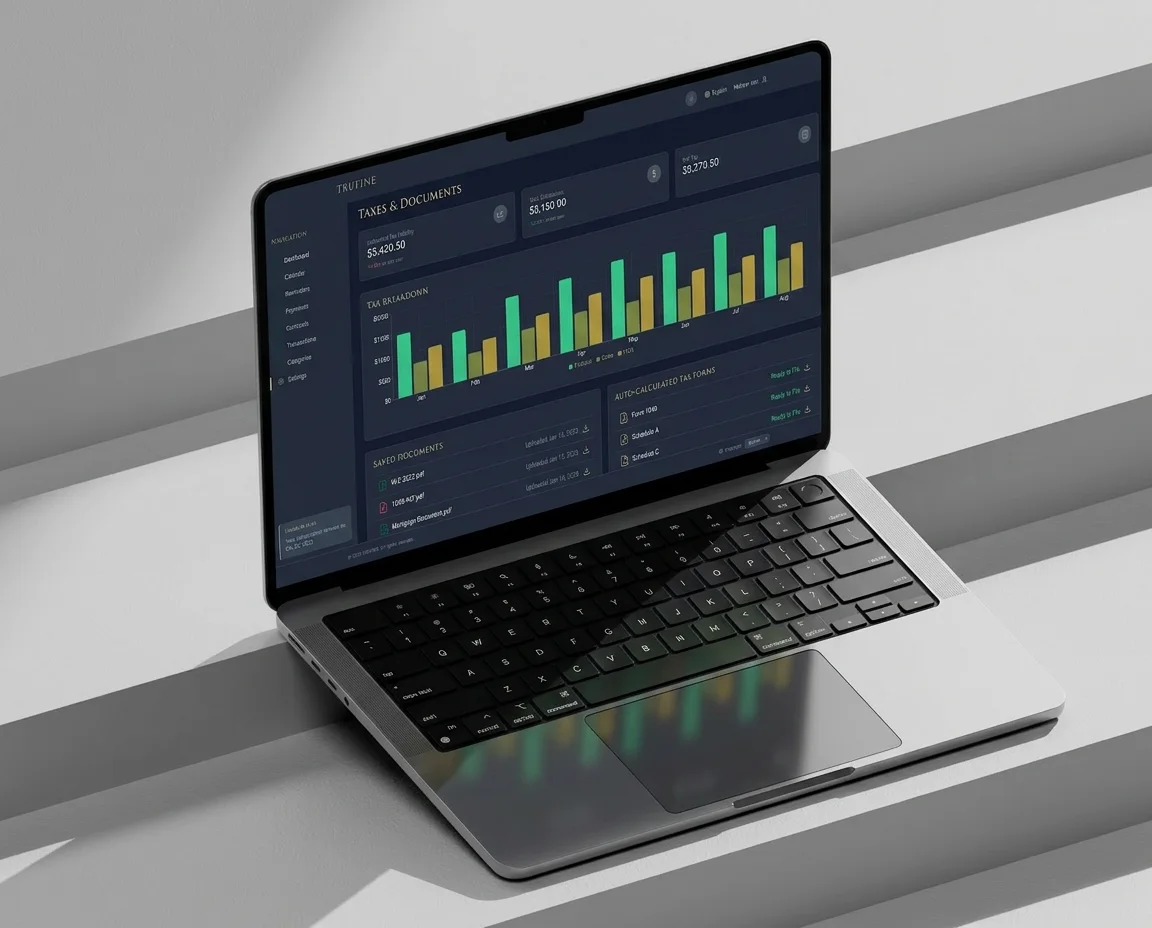
The Financial Management App by Kulimo gives you complete real-time control over budgets, expenses, revenue, and cost centers. One dashboard. Every answer. Available anytime.
👉 Get in touch →
How
financial control works
Many companies still manage their finances with Excel spreadsheets, email attachments, and manual reports. Research from Deloitte Insights shows that digital financial management can improve planning accuracy by up to 40% — and the Financial Management App delivers exactly that transparency, automated and instant.
1. Define budgets — Set up annual, quarterly, and monthly budgets by project, department, or cost center
2. Track & categorize expenses — Assign cost centers and match them against the budget automatically
3. Keep revenue in view — Track revenue, incoming payments, and outstanding receivables in real time
4. Automatic alerts — The system warns you proactively before a budget is exceeded
5. One-click reporting — Generate KPIs and reports automatically and export them as PDF or CSV
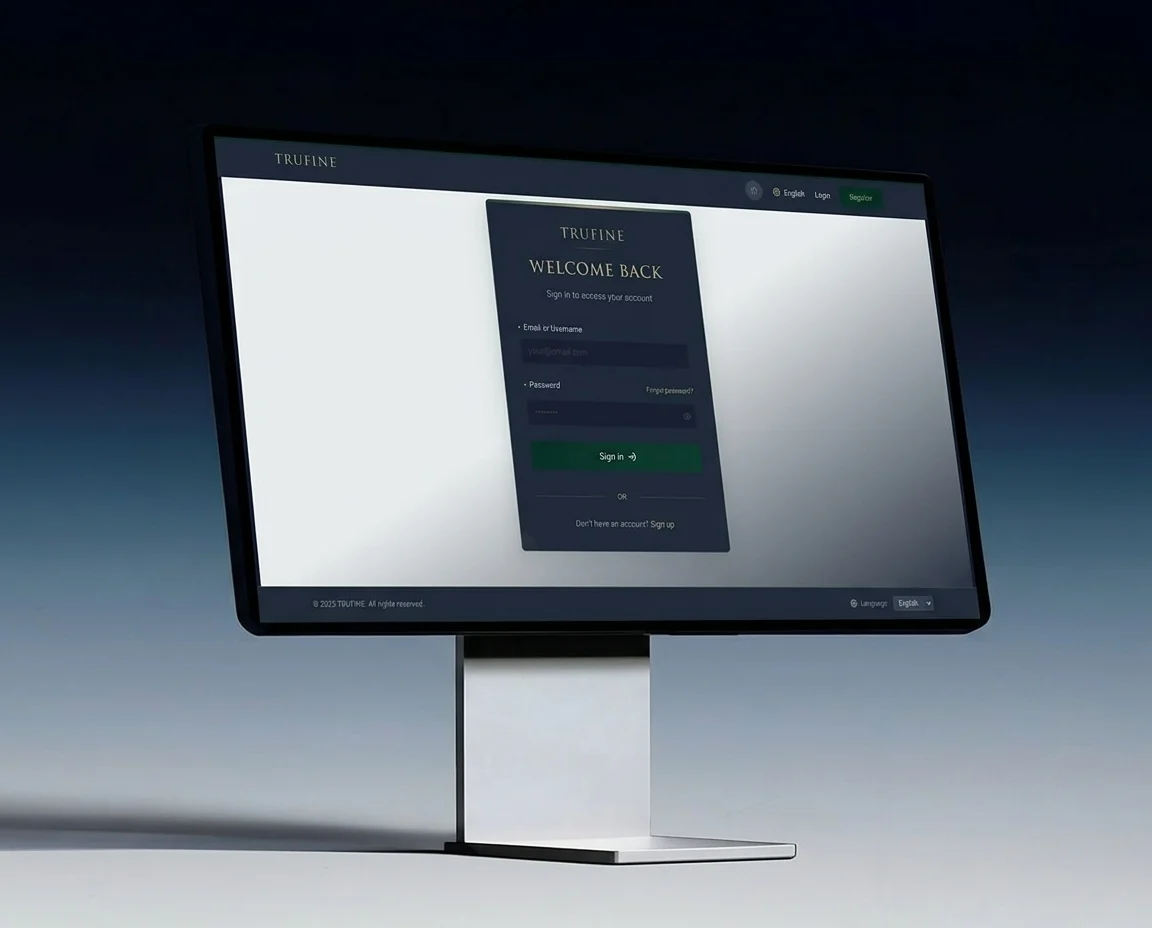
Core features
Budget planning
Annual, quarterly, and monthly budgets planned and monitored in real time.
Expense tracking
Categorized, assigned to cost centers, automatically matched against the budget.
Revenue overview
Revenue, incoming payments, and outstanding receivables at a glance.
Cost center management
Expenses precisely allocated to projects, teams, and departments.
Automatic budget alerts
Proactive alerts before a budget is exceeded. No surprises.
Automated reporting
Reports are generated without anyone crunching numbers by hand.
PDF & CSV export
Instantly ready for your tax advisor, management, and investors.
GDPR-compliant
Hosted in Germany. No sensitive financial data with US providers.
The reporting dashboard
App vs. traditional financial management
| Criterion | Traditional (Excel / manual) | Financial Management App |
|---|---|---|
| Budget overview | Maintained manually, out of date | Real time, always up to date |
| Expense tracking | Error-prone, time-consuming | Automatically categorized and matched |
| Budget alerts | None – overspending is noticed too late | Proactive real-time alerts |
| Reporting | Hours of manual preparation | Generated automatically, ready to export |
| Cost centers | Hard to allocate | Precisely by project and department |
| Data security | Local, vulnerable to backup issues | GDPR-compliant, hosted in Germany |
For teams that demand financial transparency
Your finances. Transparent. Digital. 🏆
No demo access needed. Tell us about your current financial structure and how you plan and report today, and we will show you exactly how the app brings transparency and control to your business.
Not a generic tool. Built for your company finances.
ALSO EXPLORE:
-
Get in touch now:
kulimo.com/en/contact → -
Generate more revenue:
Automated Leads Radar → -
Structure your teams:
Business Management Web App → -
Secure your communication:
Self-Hosted Communication App → -
Manage construction projects digitally:
Construction Project Management App →
FAQ
Financial management software – FAQ
What does budget management software like the Financial Management App do?
It brings budget planning, expense tracking, and revenue overview together in one system. Every transaction is assigned to the right budget, so the current status is always visible – without adding up spreadsheets by hand.
How does expense management work in the app?
Expenses are recorded, categorized, and continuously compared against the planned budget. Your team sees right away which cost blocks are running over, instead of only noticing at month-end close.
Is there revenue management for all incoming payments?
Yes. The revenue overview compares incoming payments with expenses and shows the result in the reporting dashboard – in real time, not in hindsight.
How do teams stay in control of their budgets?
Automatic budget alerts kick in as soon as a budget approaches its limit, so you can course-correct while there is still room to act.
What reports does the financial management system provide?
Automated reporting creates reports with no manual rework, and they can be exported as PDF or CSV – for example for your tax advisor, shareholders, or your own accounting team.
How do you handle data protection and hosting?
The application is built to be GDPR-compliant and is hosted in Germany. Access can be granted per role, so only the intended people can see financial data.