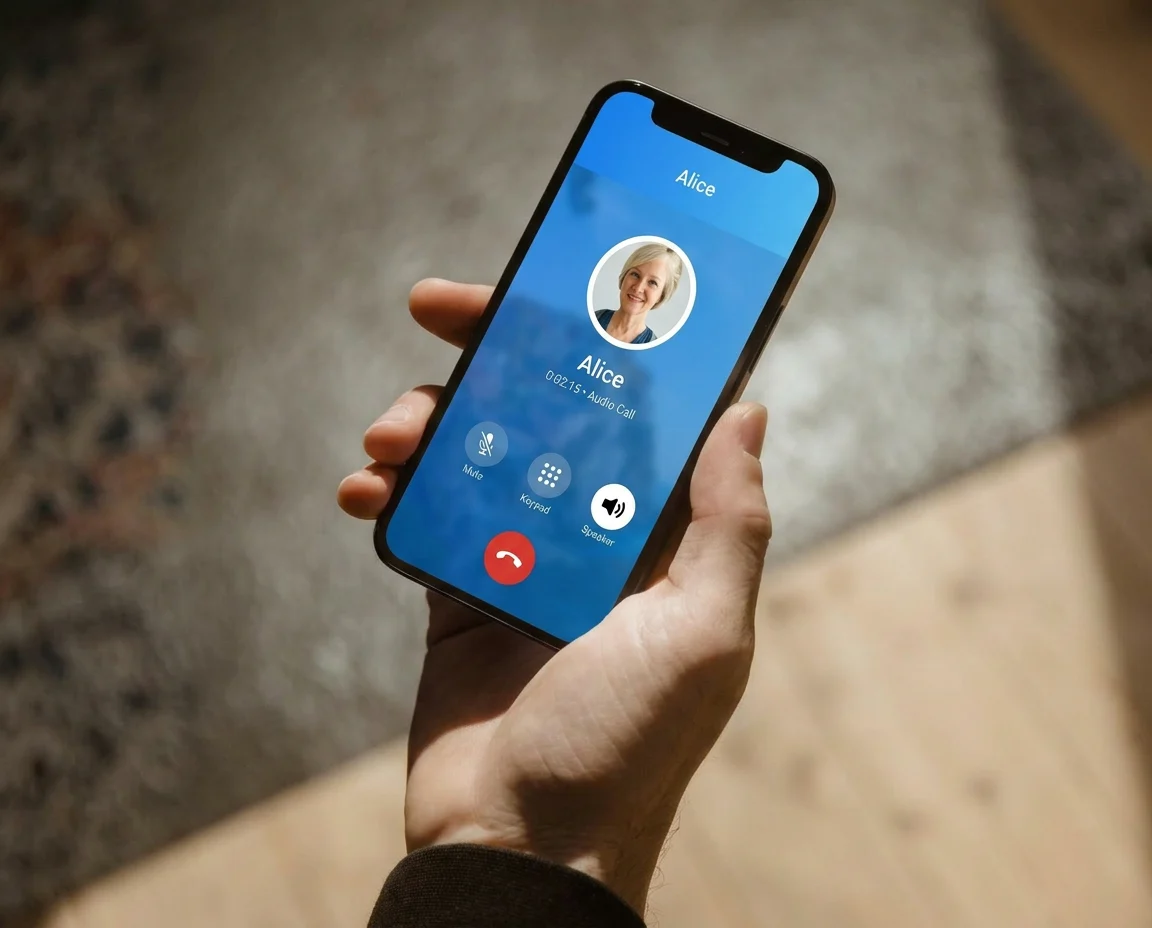

Your data. Your server. Your control. 🔐
Self-Hosted
Communication App
Own product. Built in-house by Kulimo – configured individually for your business.
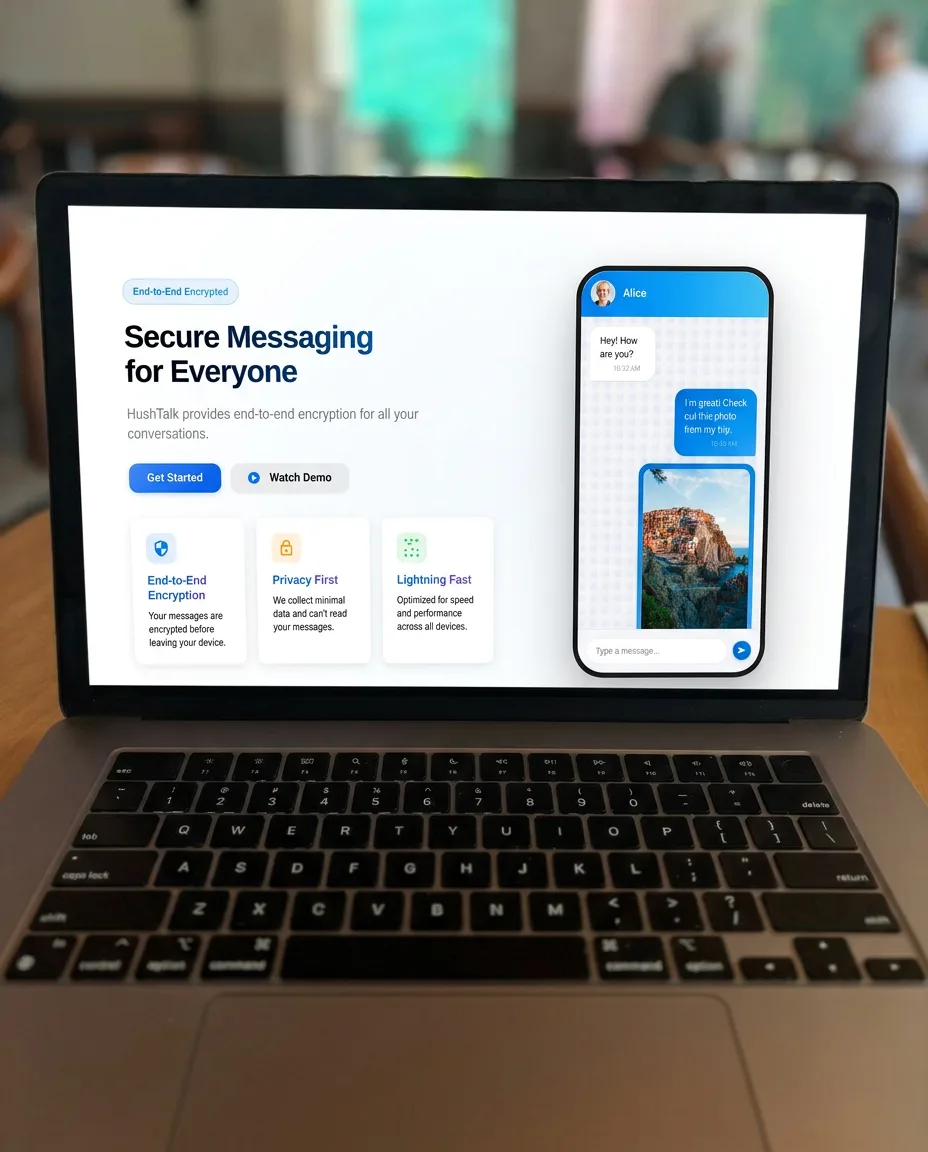
The Self-Hosted Communication App by Kulimo runs entirely on your own infrastructure and protects messages, calls, and files with consistent end-to-end encryption.
👉 Get in touch →
How
self-hosting works
WhatsApp, Teams, and Slack store business communication on external servers. The BSI (German Federal Office for Information Security) recommends self-hosted communication solutions for elevated protection needs. The Self-Hosted Communication App moves everything onto your own infrastructure in Germany: no external providers, no data sharing, no compromises.
1. Your server, your rules — The app is installed and operated entirely on your own server infrastructure in Germany
2. No external connections — Messages, calls, and files never leave your infrastructure
3. End-to-end encryption — Every message and every call is encrypted along the entire transmission path
4. Team onboarding — Employees connect via iOS, Android, or web, easily and with no technical know-how required
5. Full control — Users, access rights, and data are managed by you alone
Core features
End-to-end encrypted messaging
No external access possible, no metadata with third parties.
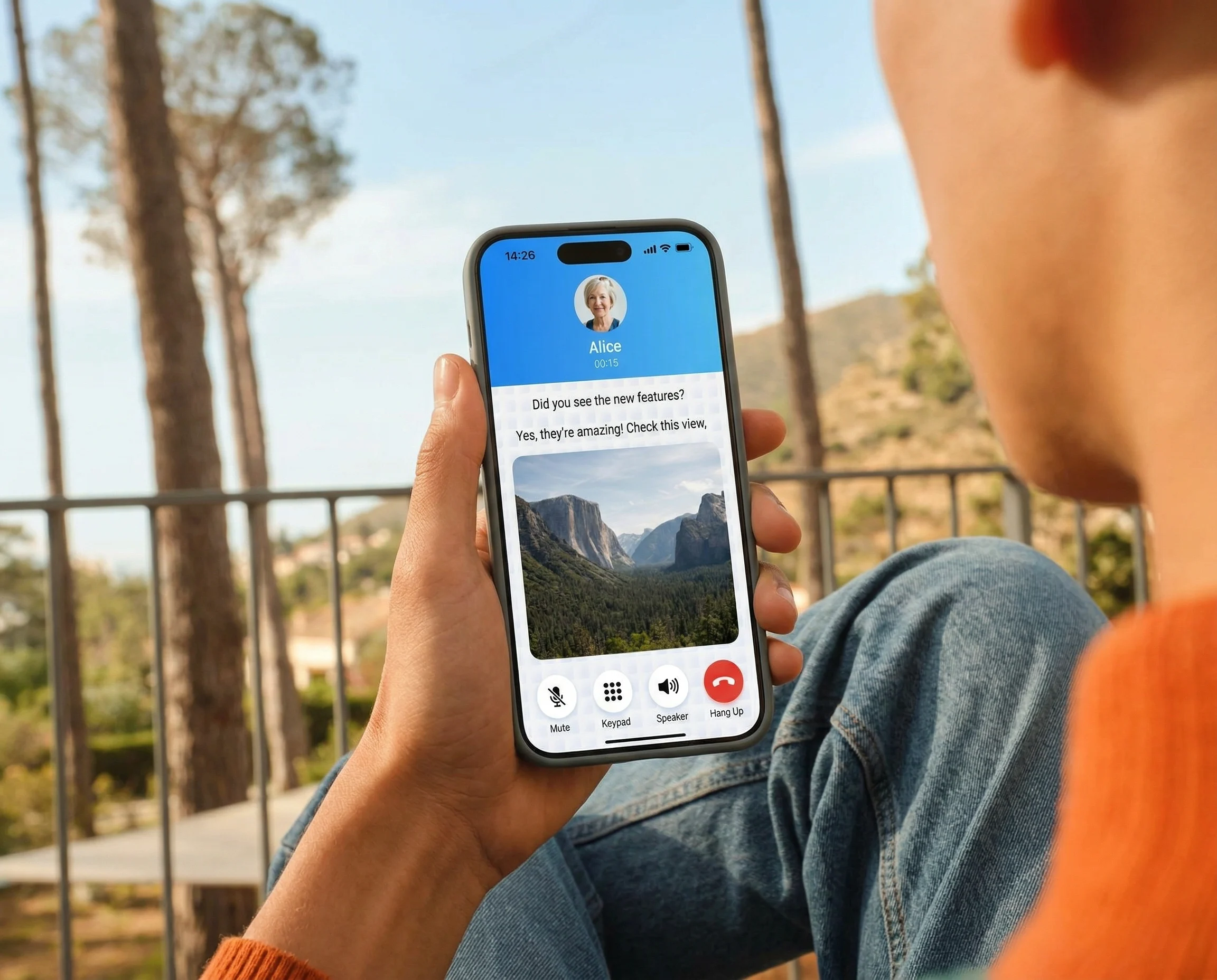
Internal voice & video calls
HD quality, routed entirely through your own server.
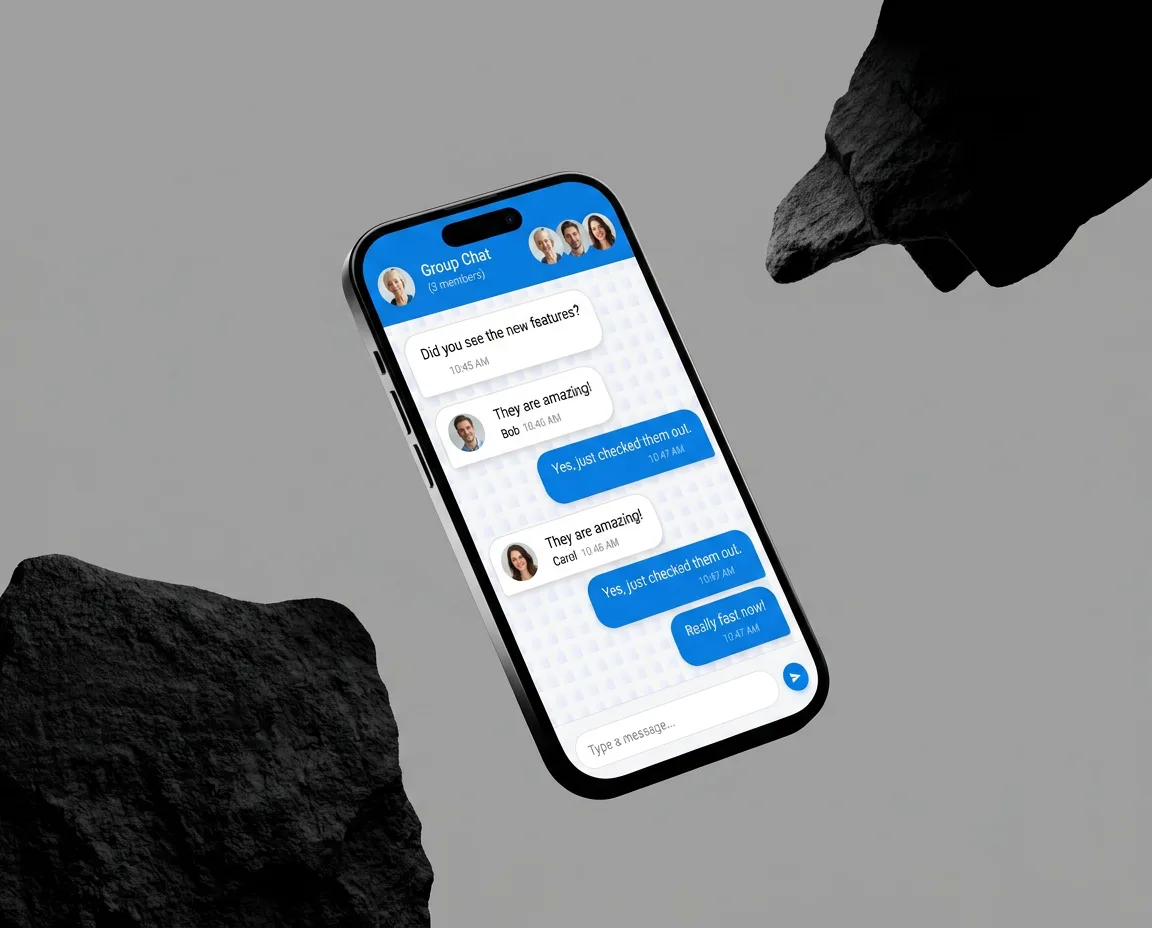
Group channels & team chats
Organized by team, project, and department.
Secure file sharing
Documents transferred encrypted, with no cloud caching.
Fully self-hosted
Installed on your server in Germany.
Role-based access rights
Precise control over who sees which channels and content.
iOS, Android & web
Every platform supported, with a seamless experience for every team.
No third-party dependency
No vendor lock-in, no forced subscription, no external terms.
Self-hosted vs. cloud messengers
| Criterion | WhatsApp / Teams / Slack | Self-Hosted Communication App |
|---|---|---|
| Data storage | External servers, often in the US | Exclusively your own server |
| Data sovereignty | Limited, subject to terms of service | 100% control by your company |
| Encryption | Often in transit or server-side only | End-to-end, without gaps |
| GDPR compliance | Significant risks | Fully compliant |
| Dependency | Provider can access data | None, fully isolated infrastructure |
| Long-term cost | Ongoing subscription fees | One-time setup, no ongoing costs |
For teams with elevated protection needs
Communication. Secure. Sovereign. 🏆
No demo access needed. Tell us about your current communication infrastructure and security requirements, and we will show you exactly how the self-hosted app is set up for your business.
No cloud compromise. Built for complete data sovereignty.
ALSO EXPLORE:
-
Get in touch now:
kulimo.com/en/contact → -
Organize your teams internally:
Business Management Web App → -
Find new customers automatically:
Automated Leads Radar → -
Control your finances:
Financial Management App → -
Manage construction projects digitally:
Construction Project Management App →
Most Recent


FAQ
Self-hosted communication app – FAQ
What is a self-hosted communication app?
A messenger for internal communication that runs on your own infrastructure. Chats, calls, and files stay in-house instead of sitting with a third-party provider.
How does self-hosting differ from a cloud messenger?
With a cloud messenger, the provider decides on storage location, features, and terms. Fully self-hosting removes that dependency on third parties.
Is communication encrypted?
Yes. Messaging is end-to-end encrypted, and file sharing is designed for secure transmission.
Are voice and video calls and groups available?
Yes. Internal voice and video calls are supported, as are group channels and team chats for collaboration across departments.
Which devices does the app run on?
iOS, Android, and the web, so the office and field teams always see the same information.
Who has access to which channels?
Role-based access rights define who sees which areas – ideal for teams with elevated protection needs.