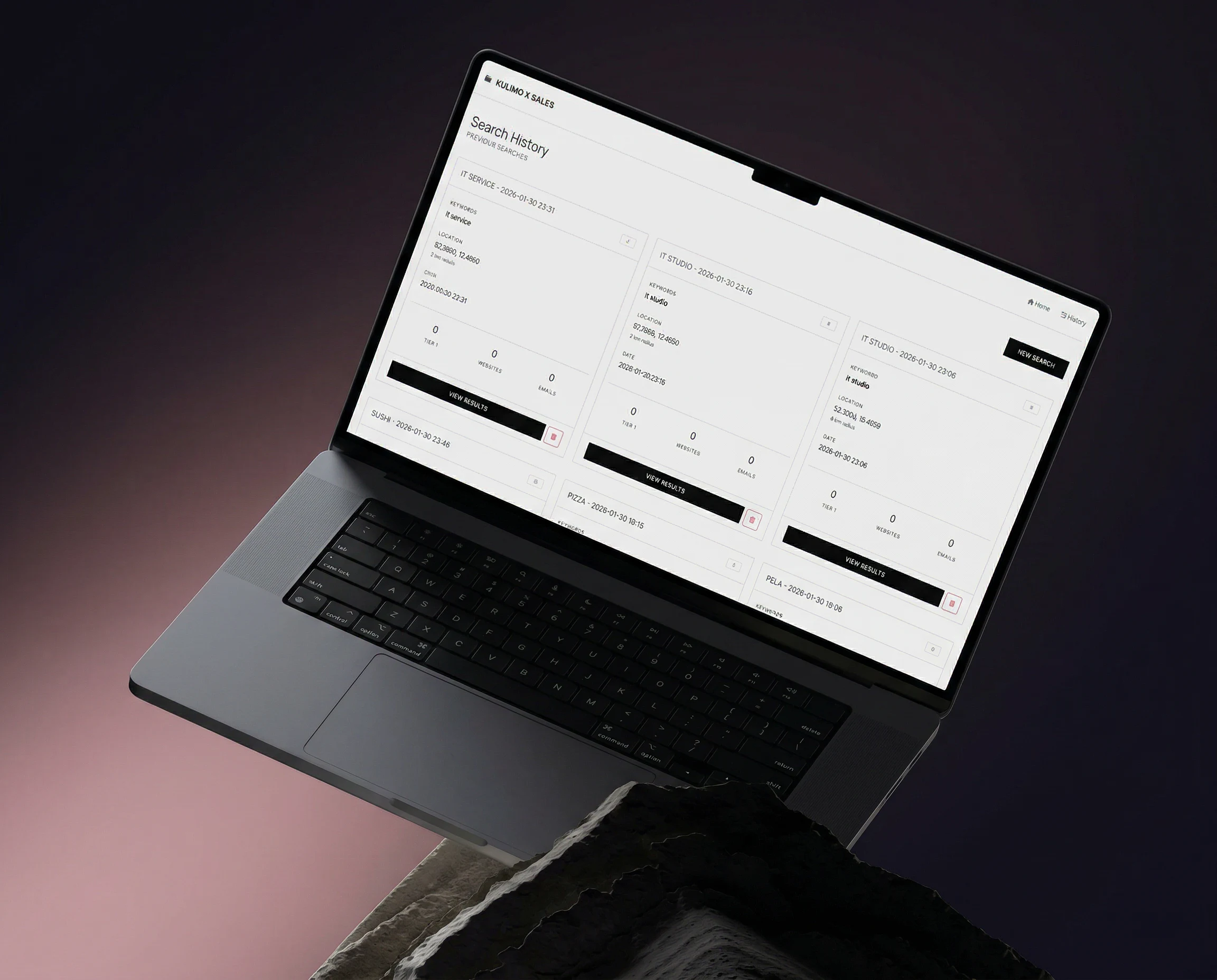
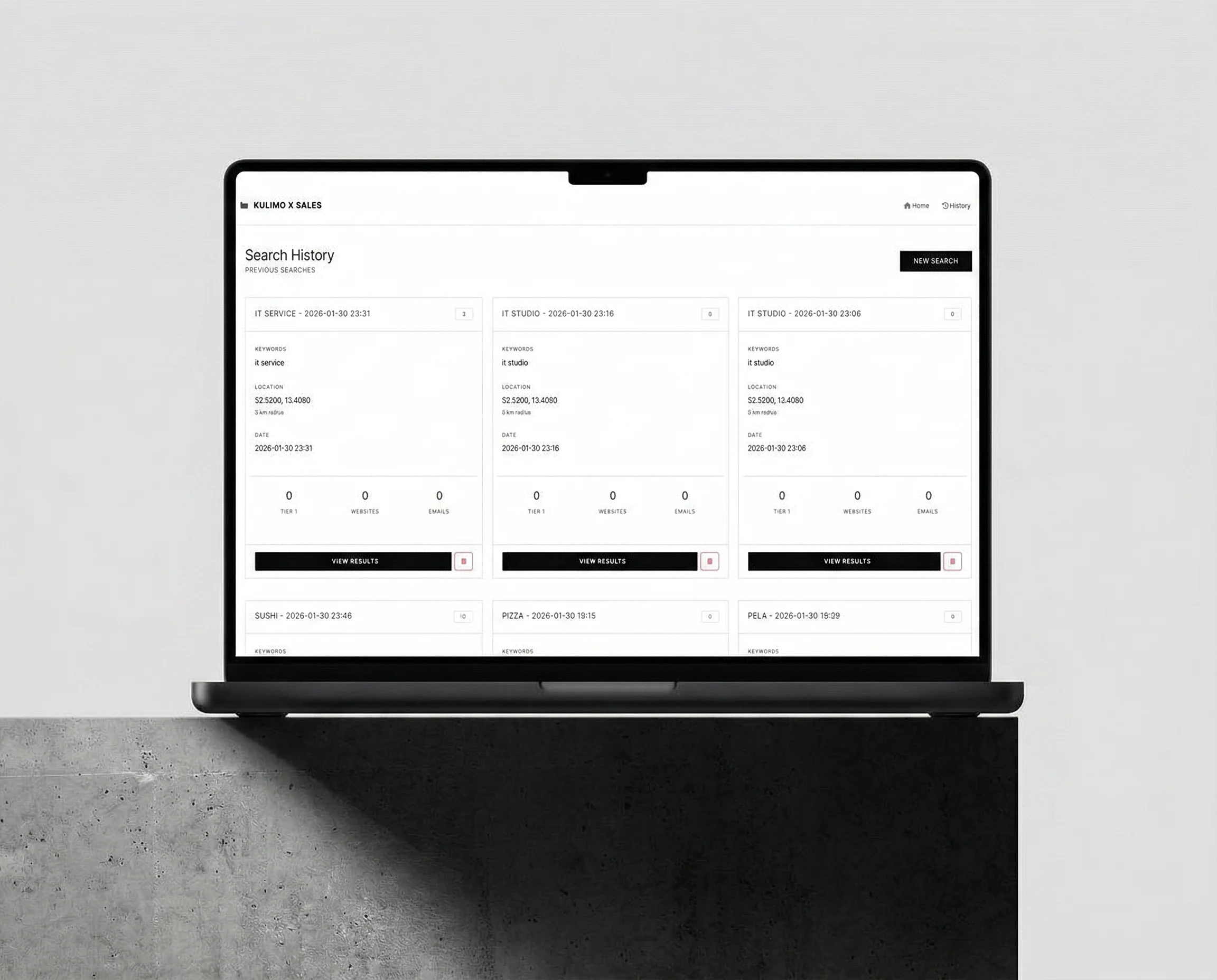

Your ideal customers. Found automatically. ⚡
Automated
Leads
Radar
Own product. Built in-house by Kulimo – configured individually for your business.
You define who you’re looking for. The Leads Radar does the rest. The system scans specific markets and regions for companies that match your ideal customer profile.
👉 Get in touch →
All features of the
Automated Leads Radar
1. Define your criteria — You specify the kind of companies you’re after: industry, region, size, needs and other custom parameters.
2. Automated market analysis — The radar searches the specified areas and analyzes the available business information.
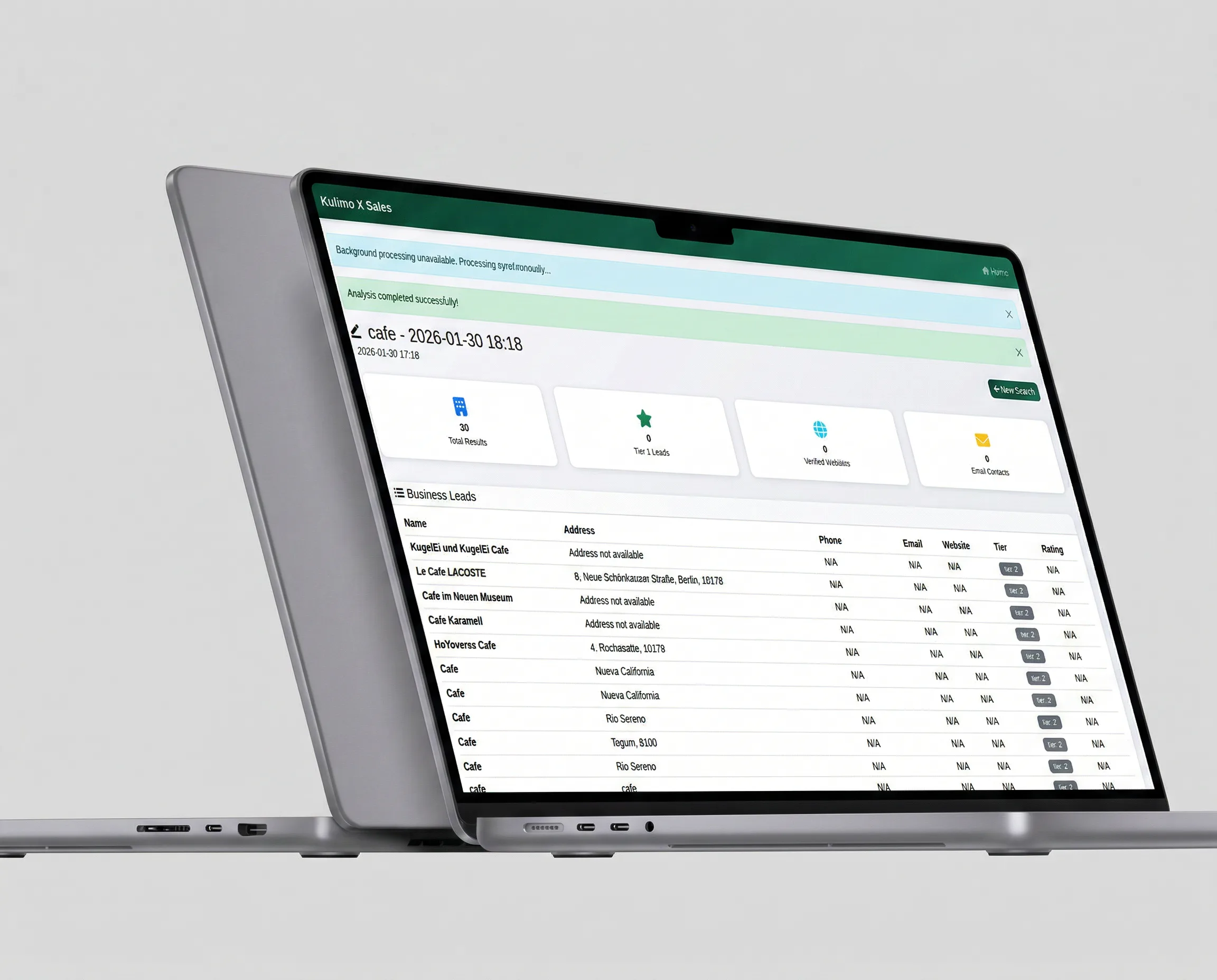
3. Prioritized results list — You get a structured overview of the top companies, ranked by how closely they match your customer profile.
4. Straight to sales — Your team works with prepared, ready-to-use leads — no manual groundwork.
Data from HubSpot Research shows sales reps spend over 21% of their time on manual lead research. With the Leads Radar, that’s a thing of the past.
Core features
Custom search criteria
Industry, region, company size, needs and more — fully configurable.
Territory-based search
Define specific territories and the radar analyzes the market within them.
Automated scoring & prioritization
Companies are scored against your criteria and delivered as a ranked shortlist.
Data-driven customer profiles
Every lead is enriched with available business information.
Real-time dashboard
A clear view of every lead found and prioritized.
CRM integration
Seamless export of the results list into your existing sales systems.
Radar vs. traditional prospecting
| Criterion | Traditional | Automated Leads Radar |
|---|---|---|
| Research | Manual, time-consuming | Fully automated, based on your criteria |
| Territory coverage | Limited, random | Systematic, defined regions |
| Lead quality | Inconsistent | Scored & prioritized by fit |
| Output format | Unstructured | Prioritized shortlists, ready to use |
| Scalability | Limited by headcount | Unlimited, across multiple territories at once |
| Turnaround time | Hours to days | Instant results |

Your ideal customer is out there. Let’s find them. 🏆
You know who you want as a customer — industry, region, profile. We build you a system that automatically identifies exactly those companies and serves them up to you on a silver platter every day.
Not a generic tool. Configured around your sales process.
ALSO EXPLORE:
-
Organize your teams internally:
Business Management Web App → -
Keep sales costs in check:
Financial Management App → -
Communicate securely in-house:
Self-Hosted Communication App →
FAQ
Leads Radar – frequently asked questions
What does an automated leads radar do?
It continuously searches for well-matched prospects and hands them to you ready to work, instead of someone researching lists by hand.
How are the right leads found?
Through custom search criteria and territory-based search. This lets you narrow research down to the regions and profiles where you actually sell.
How do I know which lead is worth pursuing?
Automated scoring and prioritization ranks the results, so sales starts at the top instead of working through an unsorted list.
What information does a customer profile contain?
The data-driven customer profiles summarize the researched attributes for each prospect; the real-time dashboard shows the current state of your pipeline.
Can the Leads Radar connect to a CRM?
Yes. The CRM integration moves qualified leads to where your sales team already works.
Does this replace traditional prospecting?
Mainly, it replaces the searching. Your sales team still has the conversations – just with a far better-prepared list.